
Review & quality / Field notes
How to audit a late roster correction
An audit needs a timeline of what was approved, published and communicated, plus a clear record of uncertainty about what workers saw.
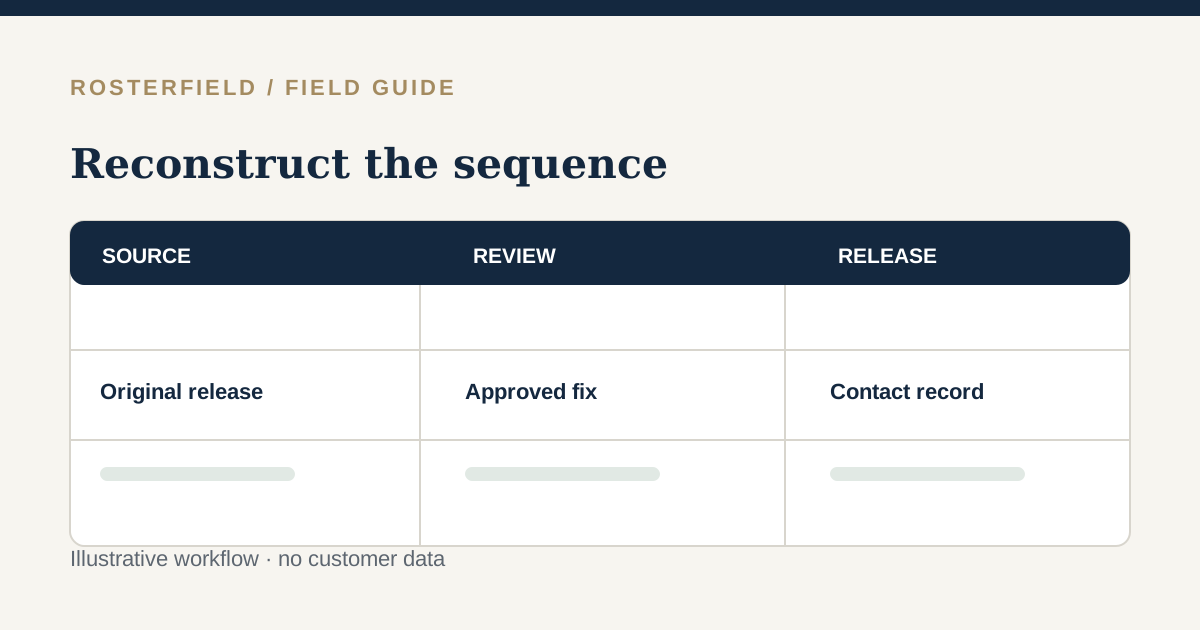
A worker reports that their Sunday start time was wrong, but the project link now displays the corrected time. What happened? A late-correction audit should reconstruct which instruction existed at each point, not assume the current page explains the past. The planner’s workbook, an import preview, a published version, a forwarded screenshot and a supervisor’s message are different records.
Take a fictional example: at 15:00 Friday the Canal South roster showed Jules Park starting Sunday at 06:00. On Saturday, the planner changed the approved start to 07:00. A new roster was published at 17:10, while Jules had already saved Friday’s screenshot. The questions are when the change was authorised, what each release showed and how the affected worker was told. Neither the newer page nor a successful upload can answer all three alone.
Fix the timeline before debating fault
Gather the records available under your normal retention and privacy policies. Avoid altering a source file merely to make a retrospective comparison easier. Record local time and timezone when comparing emails, phone notes and publication events, especially across teams in different Australian states.
| Point in time | Evidence to locate | What it may establish |
|---|---|---|
| Original decision | Approved workbook/export and sign-off | Intended shift at first release |
| Original publication | Administrator roster history and release notes | What version was current then |
| Correction request | Planner’s amended source and authorisation | Why and when the plan changed |
| Replacement publication | Reviewed import and project version | What became current after the fix |
| Worker handoff | Approved message, supervisor log or response | Whether a direct notice was attempted or confirmed |
Record gaps explicitly. If an email says “everyone was told” but no individual follow-up exists, write that the available evidence does not confirm Jules received it. Do not infer a worker’s knowledge from an accessible URL or a QR displayed at site.
Compare the two source-to-release paths
For the earlier and corrected versions, compare project, period, person, employment number, relevant date, shift code and location. Confirm the changed cell survived the CSV/XLSX import and that the correct source sheet or export was selected each time. A formula result that had not been saved, a mixed day/month date or a duplicate identifier may produce a discrepancy that looks like a last-minute planning change but originated in transfer.
Where the signed-in app’s project roster history is available, use it to compare publications. Do not describe that history as an immutable audit log, a read receipt or a guarantee that every source cell was preserved forever. Keep your own approved source and release decision records according to the organisation’s retention policy. If an old screenshot conflicts with a recorded publication, preserve its context: who captured it and when? A screenshot without a timestamp is evidence of content but may not establish when that content was current.
Separate communication from publication
A new current project roster can be found via the worker link or QR, with name search and no individual worker login. It cannot force someone to discard a previously saved page. Check the actual direct-contact procedure for the affected shift: was Jules off duty, travelling, at pre-start or already on the job when the correction was sent? Who was assigned to follow up, what response was recorded and what happened if there was no response?
If the organisation has attendance, timesheet, access or incident records, review those through their authorised processes. RosterField publishes planned assignments; it does not prove arrival, hours worked, competence or compliance. Keep private contact and case details out of a shareable worker view.
End with a specific corrective action
Document the discrepancy, the best-supported sequence, unresolved evidence and who owns the follow-up. A useful finding might be: “Corrected workbook approved Saturday 16:40; replacement published 17:10; no confirmed direct contact before travel; night supervisor now owns confirmation for changes within 24 hours.” That is more actionable than “the app had the wrong roster.”
If the source was wrong, improve the planner’s amendment control. If import interpretation failed, add a targeted preview check. If the publication was right but the handoff failed, change the communication plan. See communicating changed releases across shifts for a forward-looking process and version control for understanding current versus previous releases.
Questions people ask
Does the current worker page prove what a worker saw yesterday?
No. It shows the current published project reference, not a personal reading history. Compare the relevant earlier publication, dated screenshots or messages where available, and the organisation’s contact record. Note explicitly when you cannot establish that a particular person opened or understood the older instruction.
How do we classify a correction made after the shift began?
Reconstruct approval, source change, replacement publication and attempted communication separately, with timestamps and unresolved gaps. Then compare any actual attendance or incident evidence through its authorised process. A published roster describes planned assignments, so it cannot establish whether the worker arrived, worked particular hours or received a late instruction.