Import basics
CSV or XLSX for a roster import: which should you use?
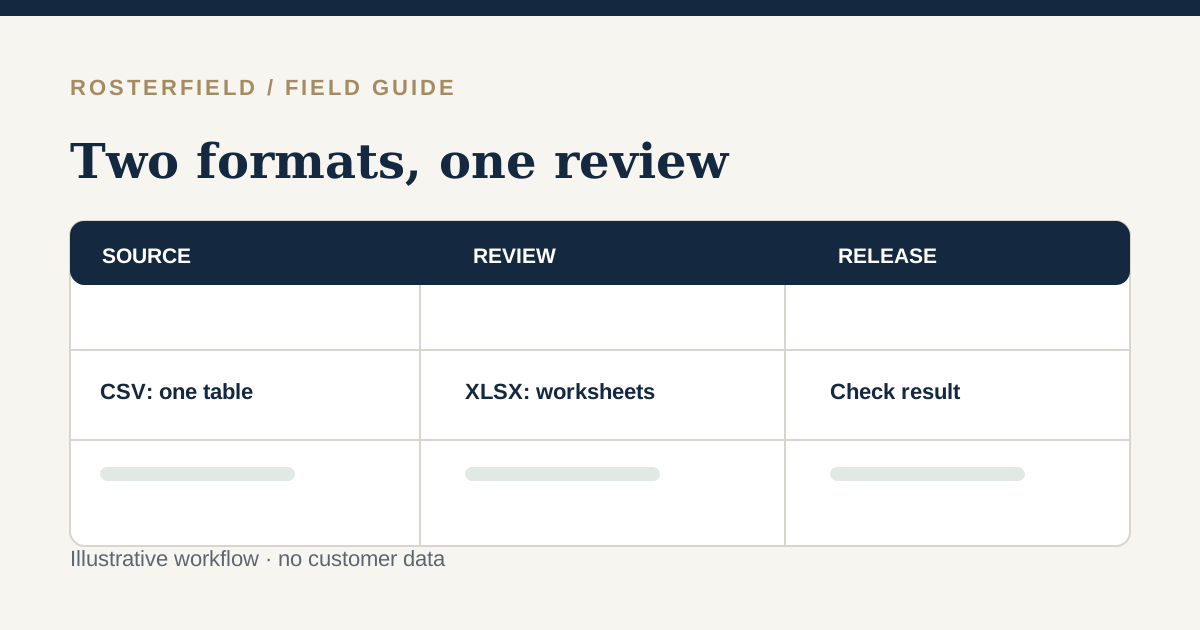
CSV is a plain table; XLSX retains sheets and formulas. Choose the format that lets you verify your people, dates and statuses most reliably.
Read guide →
Field notes / Guides
Plain-English guides for the people who prepare, check and share project rosters. Each one tackles a concrete import or release decision.
Search article titles and summaries on this page; no query is sent to a server.
01 / Field notes
Import basics
CSV is a plain table; XLSX retains sheets and formulas. Choose the format that lets you verify your people, dates and statuses most reliably.
Read guide →
Import basics
Prepare the source workbook first, then use the import preview to catch identity and date mistakes before anyone sees a published roster.
Read guide →
Import basics
An employment number is an identifier, not a quantity. Preserve it as text and compare the exported file with the original record.
Read guide →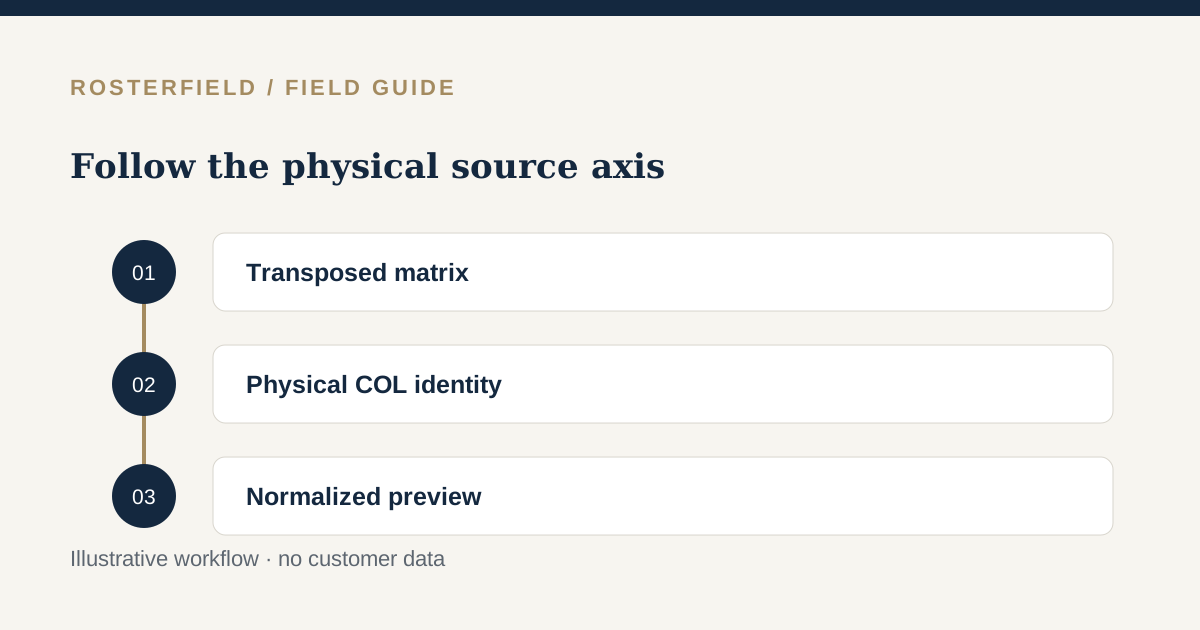
Import basics
In a transposed matrix, worker identity follows the physical source column when a missing ID is assigned. Do not confuse that upload-local identity with a shift-list employee ID.
Read guide →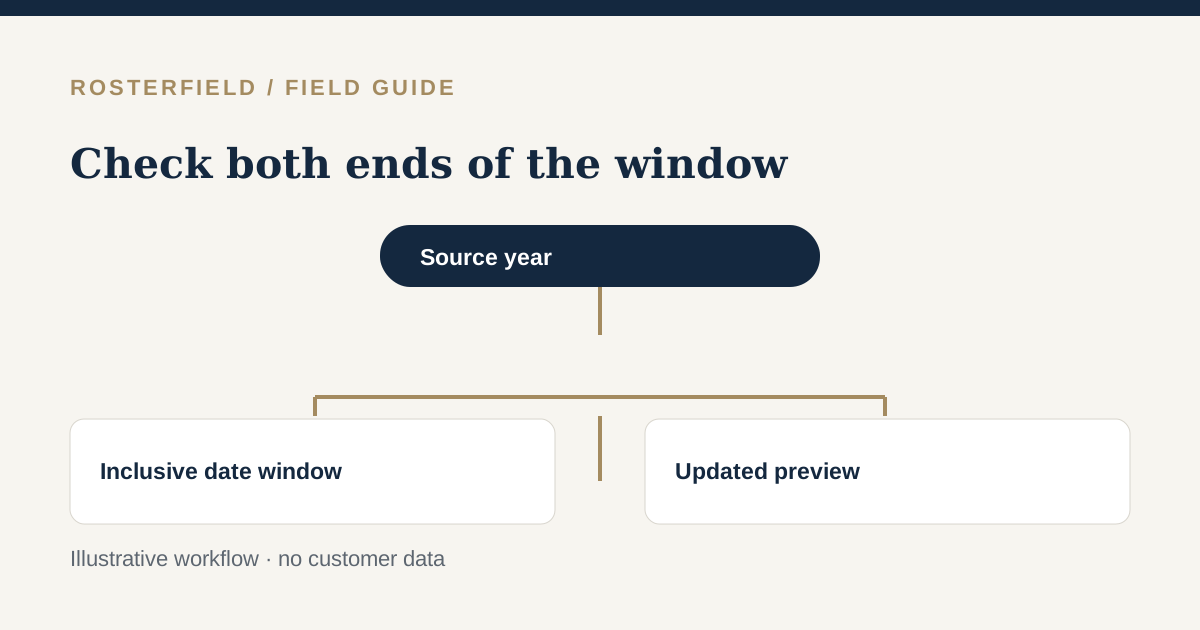
Import basics
Historical dates can be selected when they exist in the file. Count both endpoints, stay within 140 days, and distinguish reviewing an old period from publishing it as current.
Read guide →
Import basics
A clock value alone does not describe a worker's rostered day. Resolve time-only cells with the roster owner rather than treating the importer as an hours calculator.
Read guide →02 / Field notes

Review & quality
Run a short red-team review with invented rows, an answer key and a clear stop-or-release decision.
Read guide →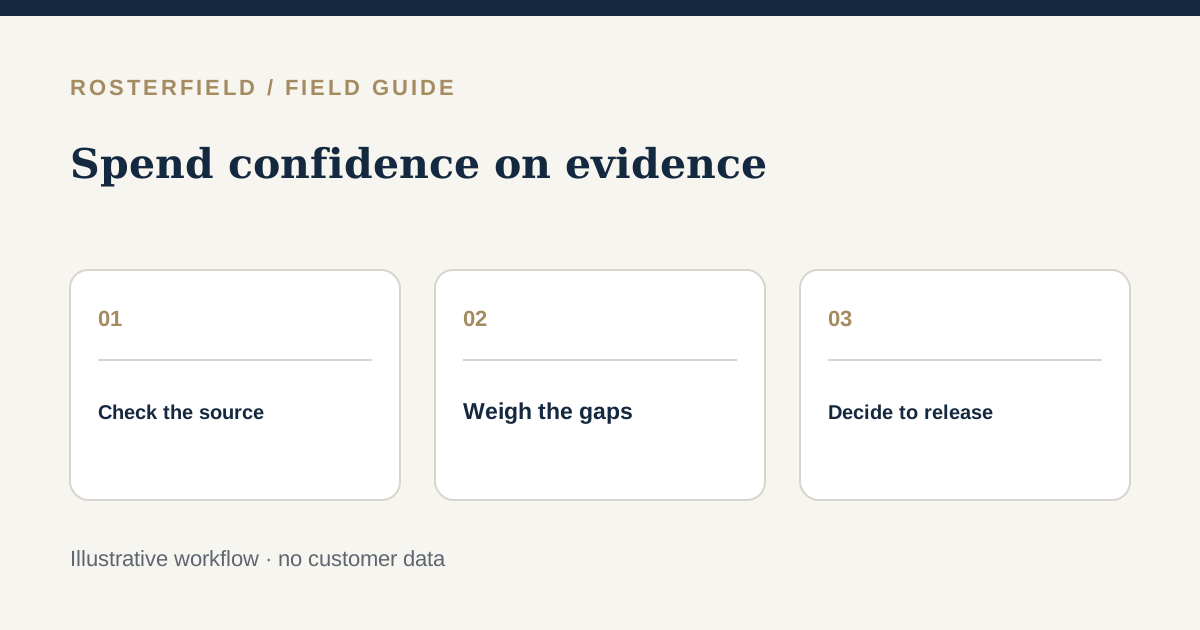
Review & quality
Score the evidence behind a proposed release, stop for critical gaps and record what still needs a human decision.
Read guide →
Review & quality
A status key prevents a short code from meaning different things to planners, importers and workers. Review unknown values instead of guessing.
Read guide →
Review & quality
A mobilisation roster communicates an approved plan; it does not certify site access or qualifications. Check contractor identities, travel labels and release scope before sharing.
Read guide →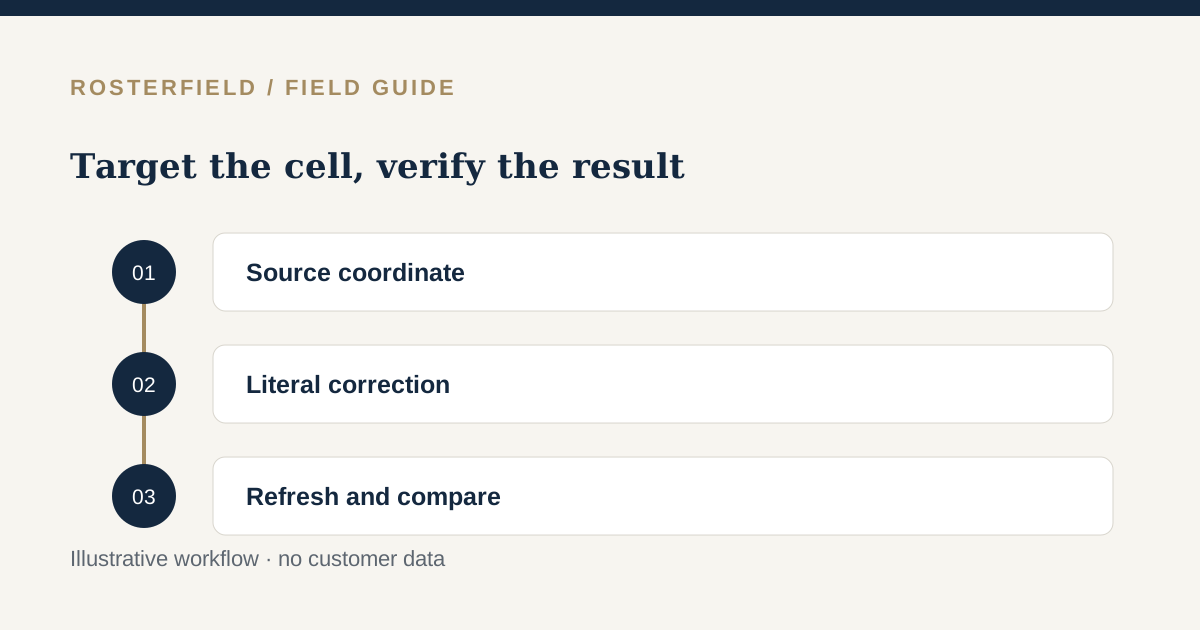
Review & quality
A targeted correction changes the upload's import interpretation, not the original workbook. Keep edits literal, check source coordinates, and verify a refreshed preview.
Read guide →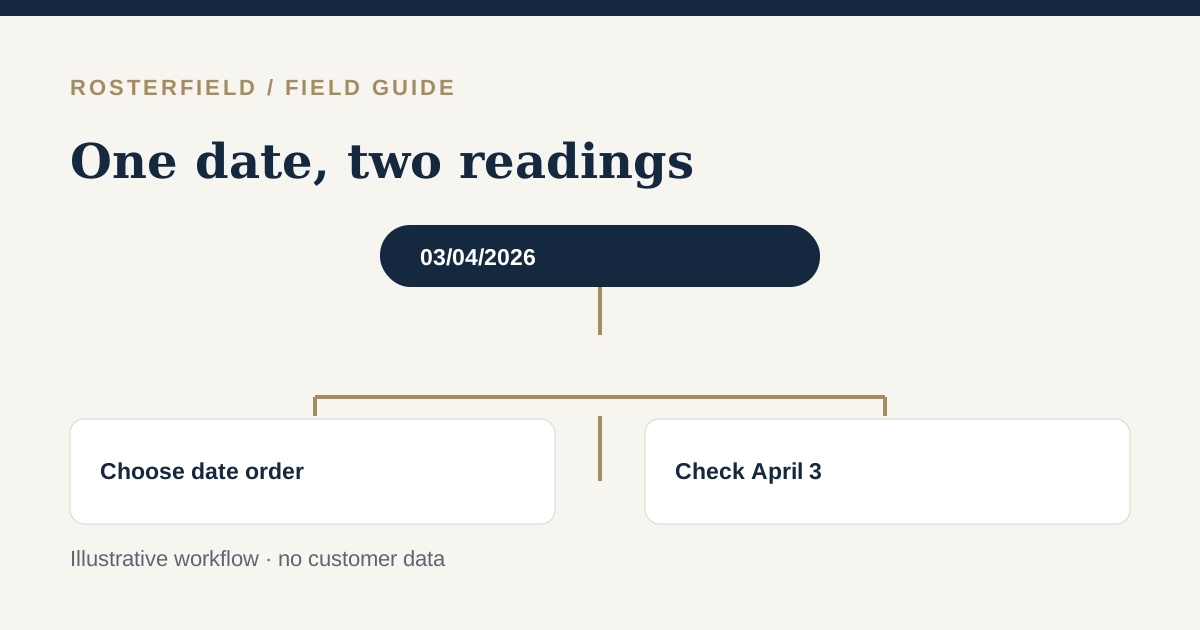
Review & quality
03/04 can mean 3 April or 4 March. Check the date axis, choose the intended order and inspect the preview before publishing.
Read guide →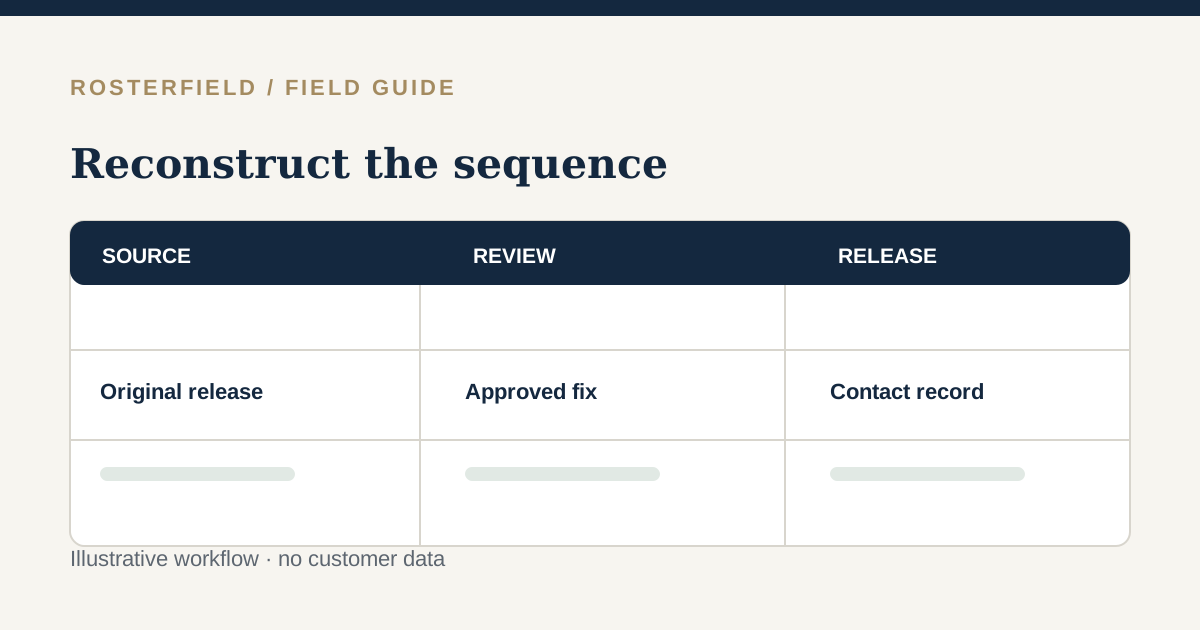
Review & quality
An audit needs a timeline of what was approved, published and communicated, plus a clear record of uncertainty about what workers saw.
Read guide →
Review & quality
A repeated number is a decision for the roster owner, not a reason to merge two rows or guess which worker should be published.
Read guide →
Review & quality
A correctly read shift can still point a worker to the wrong employer or work front. Sample each contractor and location before release.
Read guide →
Review & quality
A custom label should not disappear simply because it is unfamiliar. Confirm its cleaned text, understand blank controls, and reconcile the refreshed preview with the source.
Read guide →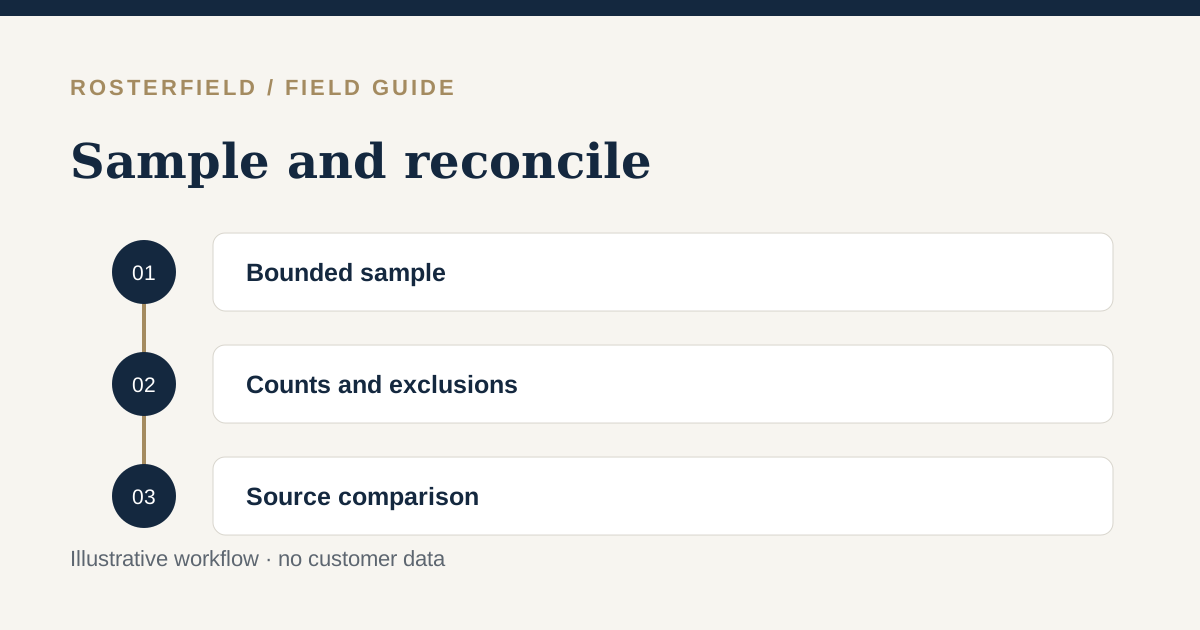
Review & quality
The preview table is a bounded inspection sample, not the entire roster. Reconcile counts, exclusions and the selected date window against the approved source.
Read guide →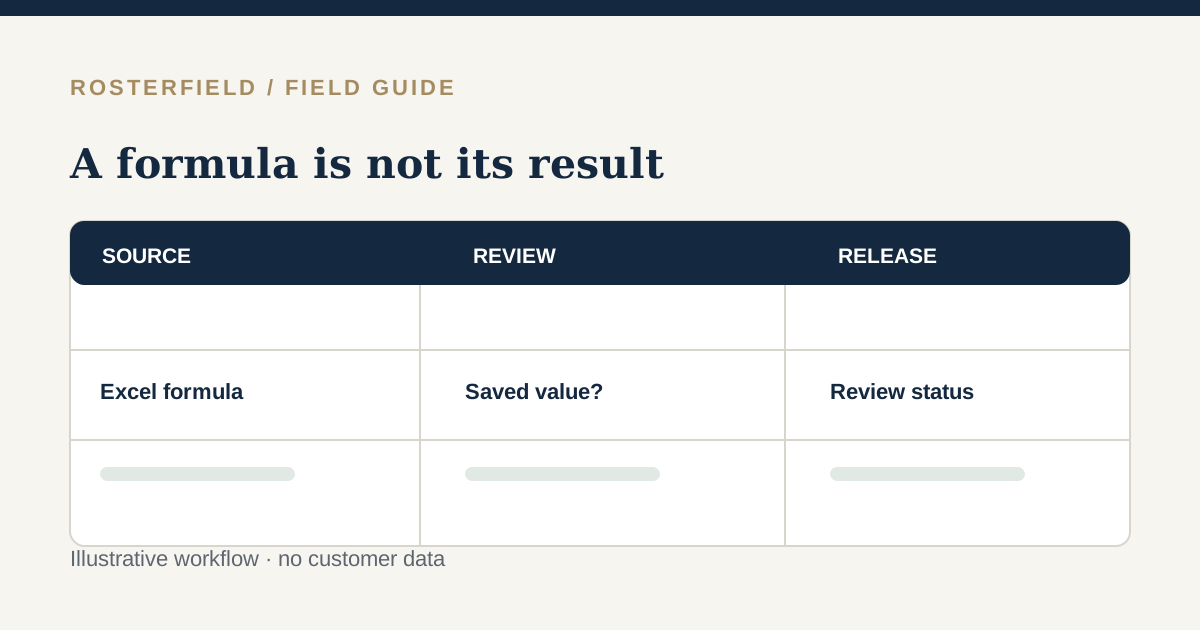
Review & quality
RosterField reads saved results; it does not calculate Excel formulas. Recalculate, save and check warnings before trusting a derived shift.
Read guide →03 / Field notes

Publishing & access
Shutdown crews change quickly. Review the actual workbook, the chosen date window and the version people will consult on site.
Read guide →
Publishing & access
Publishing a corrected roster makes a new reference available; it does not prove that every day, night or off-duty worker saw the change.
Read guide →
Publishing & access
A head contractor can publish a coherent project roster only after each subcontractor's handoff is reconciled with the agreed source and scope.
Read guide →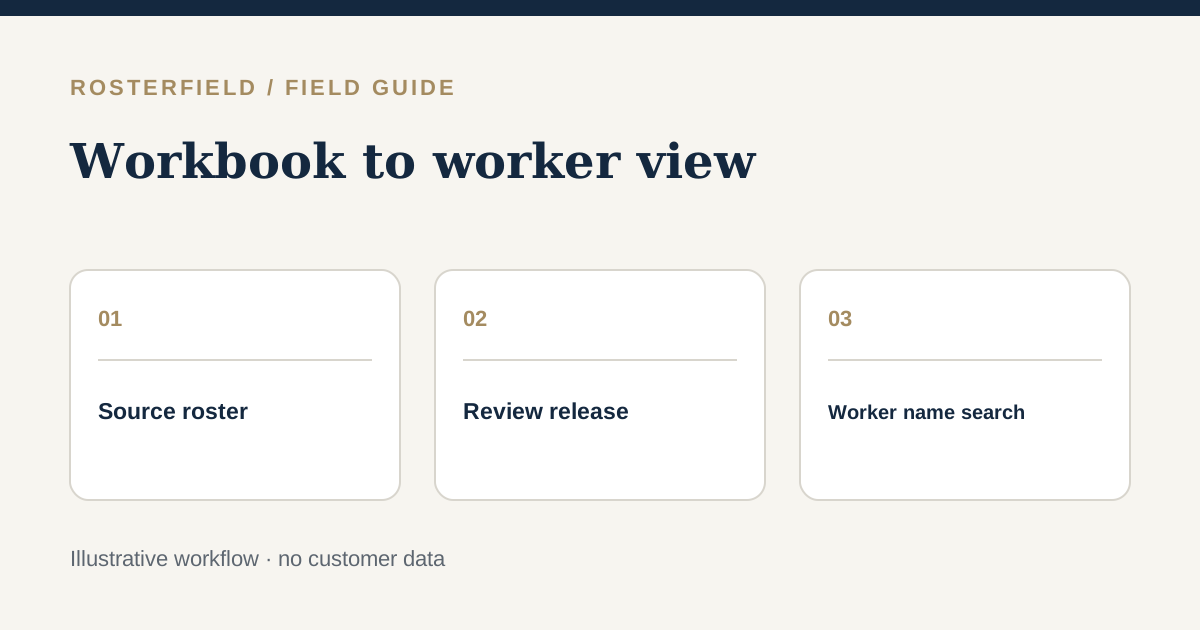
Publishing & access
A shareable link is the output of a reviewed project publication, not a direct link to an unfiltered planning workbook.
Read guide →
Publishing & access
Keep the familiar planning spreadsheet, test the worker journey and retire wall copies deliberately rather than overnight.
Read guide →
Publishing & access
A QR code identifies a project route, not a worker. Label and test each project's published link before handing it to mobile crews.
Read guide →
Publishing & access
Harvest roster publication is a communication step after planning. Check the approved crew sheet, preserve meaningful daily labels, and explain how workers find the release.
Read guide →
Publishing & access
Keep the established FIFO planning workbook, but check travel, swing boundaries and the roster version workers will actually consult.
Read guide →
Publishing & access
A short rehearsal exposes handover gaps before a late roster change becomes a confusing message on site.
Read guide →
Publishing & access
A sign-off is a named release decision with visible exceptions and follow-up, not a tick beside a successful file upload.
Read guide →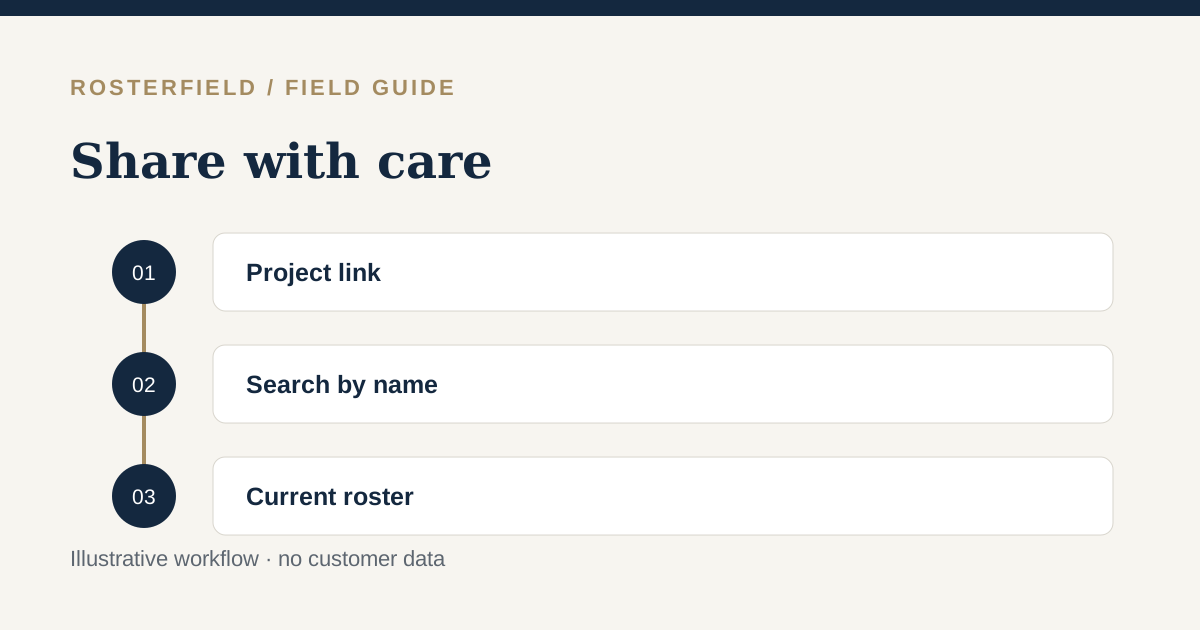
Publishing & access
A QR code makes a roster easy to find, not automatically private. Publish only appropriate fields and tell people when a new version matters.
Read guide →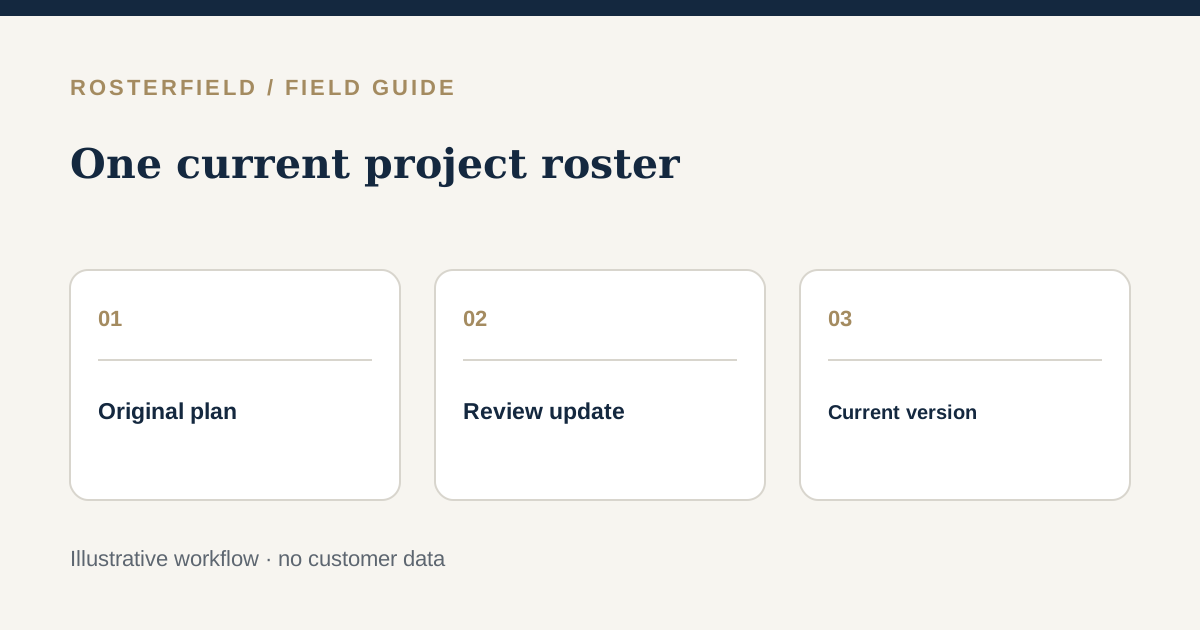
Publishing & access
A good file name is not enough. Agree who releases the roster, check the preview and tell workers where the current version lives.
Read guide →
Publishing & access
Treat a roster dispute as an evidence and communication problem, not a contest over whose screenshot looks newer.
Read guide →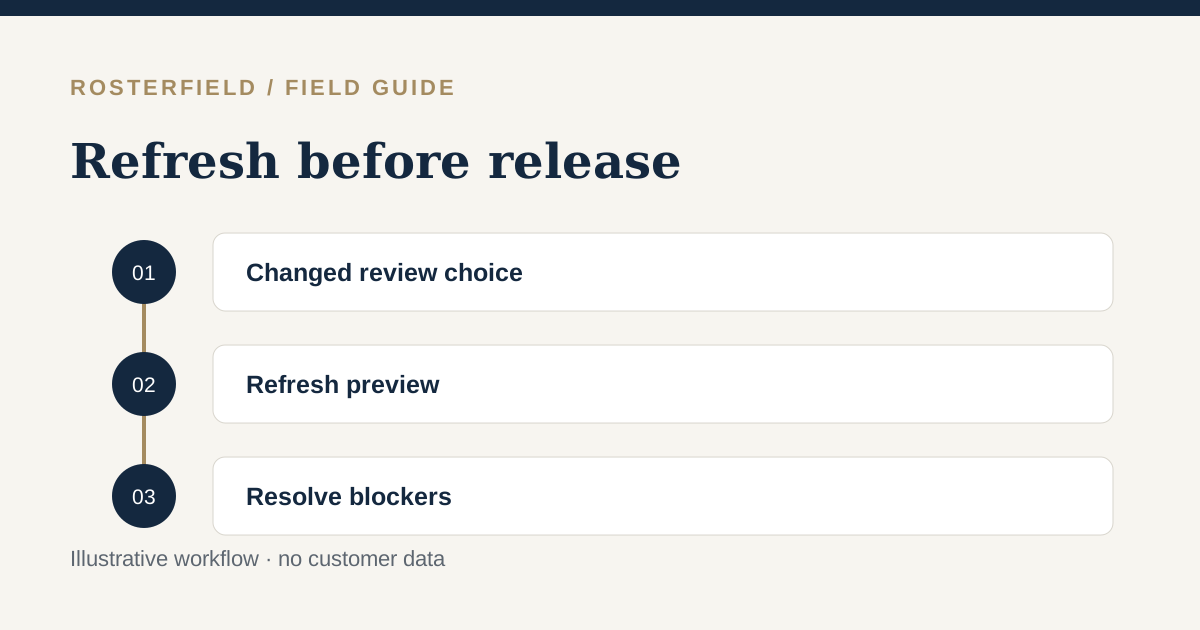
Publishing & access
Editing a review control does not update its existing preview. Refresh the result, resolve the stated blockers, and check whether publication is available in your context.
Read guide →04 / Field notes
Product fit
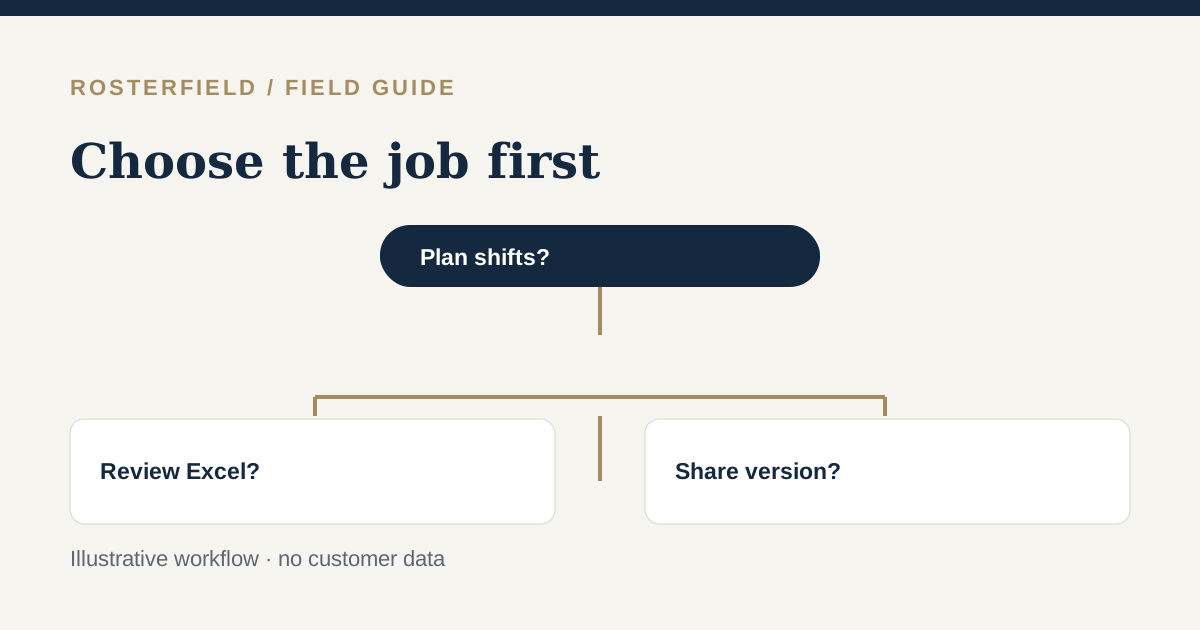
The right tool depends on the job: build and manage shifts in software, or review and publish a roster your team already plans in Excel.
Read guide →
Product fit
Importing a CSV transfers an already-made decision for review; editing a scheduler changes the plan itself. Decide which system owns each step.
Read guide →
Product fit
Deputy addresses decisions about shifts, availability and costs. RosterField addresses the later job of checking and publishing an existing project spreadsheet.
Read guide →
Product fit
Staff access follows the source of the roster: an app for its managed shifts, or a project link for a reviewed spreadsheet publication.
Read guide →
Product fit
A team can manage people processes and still prepare a project roster in a workbook. Give each owner a clear hand-off and verify the release copy.
Read guide →
Product fit
Shift creation and project roster publication are different jobs. Identify where the approved plan lives before choosing how workers will see it.
Read guide →
Product fit
Recreating approved shifts and checking a prepared workbook have different risks. Test a realistic change and make the planning owner explicit.
Read guide →
Product fit
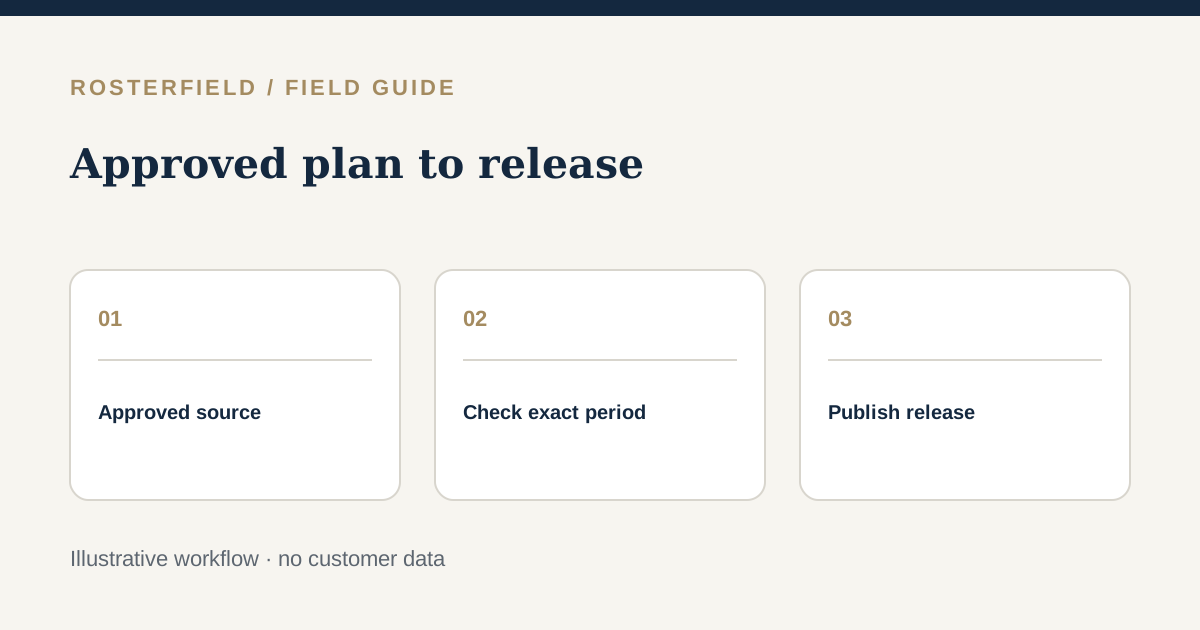
Final approval is a decision about the source roster, not proof that every worker has the right version. Select the distribution workflow your team can verify.
Read guide →
Product fit
Changing where shifts are planned is a process decision. If a spreadsheet remains the approved source, make its review and publication explicit.
Read guide →
Product fit
Creating shifts answers who should work; review checks whether the saved plan was read correctly; publication chooses which checked version workers see.
Read guide →
Product fit
A shift generator starts with entering a schedule; spreadsheet publication starts with a finished plan. Choose the stage your project needs help with.
Read guide →
Product fit
Free roster creation can be useful when there is no finished plan. If a checked Excel file already exists, examine the work between approval and distribution instead.
Read guide →
Product fit
A template accelerates planning the next roster; an approved workbook is evidence of a specific plan. Learn how to choose without redoing a completed approval.
Read guide →
Product fit
A scheduling problem and a publication problem call for different workflows. Identify which part of the roster process actually needs changing before choosing a tool.
Read guide →
Product fit
A free scheduling tool can be useful when shifts still need to be planned. A finished spreadsheet has a different problem: safe review and release.
Read guide →
Product fit
A worker mobile app and a shareable project link answer different access needs. Check the roster source, privacy model and update process first.
Read guide →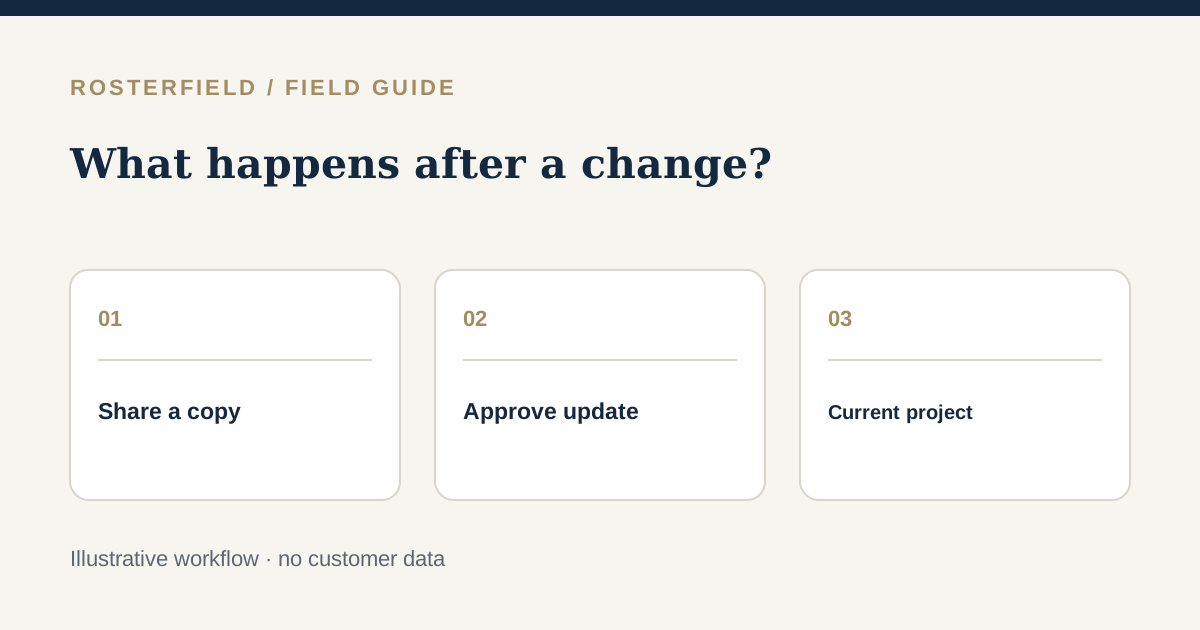
Product fit
Sharing a roster and managing which release is current are separate decisions. Test what happens after the plan changes and an old copy circulates.
Read guide →
Product fit
Use invented names, identifiers and operational details to test import behaviour. The demo is temporary and cannot publish, but uploading is still server-side processing.
Read guide →
Product fit
Two rosters can serve different audiences, but they need explicit owners and a reconciliation step. This guide does not assume a product integration.
Read guide →A useful distinction
Many rostering platforms help teams plan shifts, manage timesheets or fill vacant roles. RosterField concentrates on a narrower problem: taking an existing spreadsheet through an explicit review and publishing the version workers should consult. Use the guides to decide whether that workflow fits your organisation.
Explore what RosterField does →Keep in touch
Try an example first, then ask us about your project or request occasional product news. You will not be signed up to a newsletter automatically.
Ask our team to contact you with relevant product updates. This is a request, not an automatic mailing-list subscription.