
Product fit / Field notes
Australian rostering software or Excel roster publishing?
The right tool depends on the job: build and manage shifts in software, or review and publish a roster your team already plans in Excel.
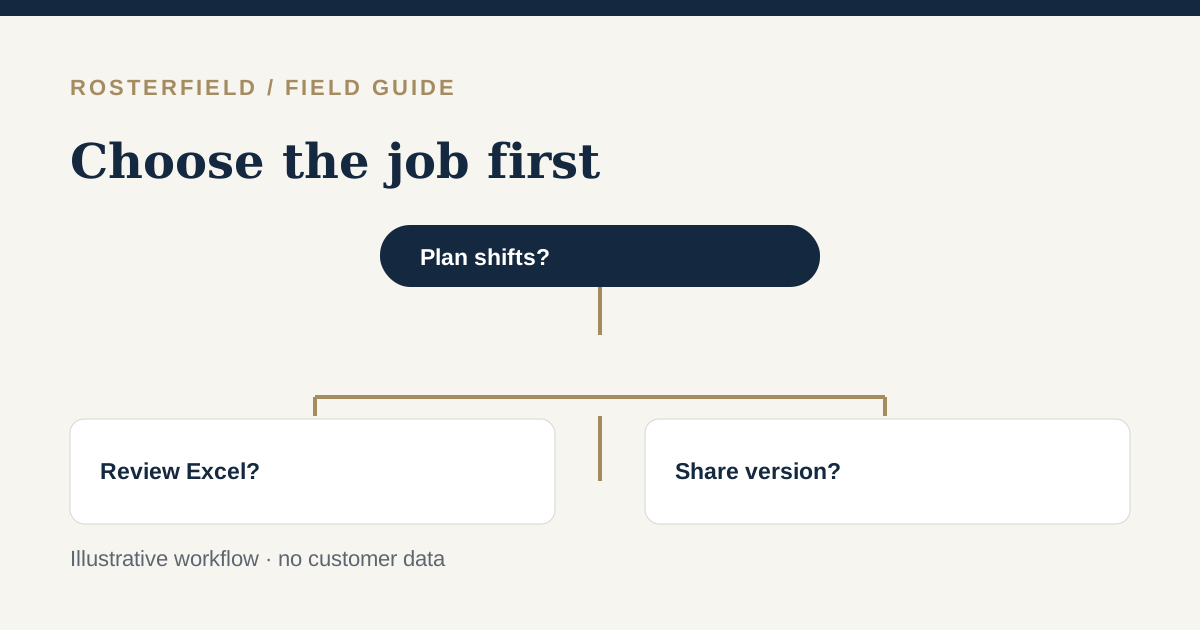
Search for “rostering software Australia” and you will find products that solve different problems. Some create shifts, fill gaps and manage timesheets. Others cover payroll or HR. RosterField focuses on a narrower stage: a team has already planned a roster in Excel and needs to review a CSV/XLSX import and publish a current project version. Neither category is inherently better. Choose based on the work you are trying to stop doing manually.
If you need to build the schedule
A scheduling platform may be more appropriate when managers need to create shifts from scratch, allocate people across locations, handle swaps, capture time or feed payroll. Deputy describes schedule creation, shift changes, availability and cost visibility. RosterElf describes building rosters with templates and availability information. Employment Hero describes rostering alongside employment and timesheet workflows.
RosterLab describes manual scheduling in its free cloud rostering offer, with a staff mobile view. Roster Generator by RosterShare, listed in the Microsoft Store, is a separate product for entering shifts and sharing a roster or PDF; the Store is the distributor, not its publisher. Construction projects may also need specialised crew and plant allocation software.
These are descriptions drawn from the vendors’ own product pages, not a feature-by-feature audit. They do not establish whether those products do or do not support a particular Excel import format. Product features, pricing and suitability can change; check each vendor’s current documentation and a hands-on trial.
If the shift plan already exists in Excel
Moving the entire planning process into another tool can be an unnecessary change for a project with an established workbook and approval process. In that case the difficult work may be after planning: picking the right sheet and date range, checking names and employment numbers, resolving a duplicate, understanding an unknown code, and giving workers a defined current version instead of a forwarded attachment.
RosterField accepts CSV and XLSX, reviews horizontal and columnar layouts, makes import blockers visible and lets an administrator publish the checked project roster. It does not create shifts, process timesheets, calculate pay, allocate equipment or certify compliance. The public demo runs the actual importer in a smaller, separate server-side sandbox; use a signed-in project for publication.
Questions to ask before buying anything
| Your main need | Start by asking |
|---|---|
| Build shifts and fill vacancies | Who creates the plan, and which rules or approvals must the scheduler enforce? |
| Keep an existing Excel planning workflow | Can the proposed tool read your workbook layout without guessing identities or dates? |
| Share a current version | How does a worker find the release, and what remains accessible from an older version? |
| Handle payroll or fatigue | Which specialist system and qualified process actually owns those decisions? |
| Protect sensitive roster details | Does the worker access model provide the authentication your organisation requires? |
The last question matters for RosterField. A person with a project worker link can search the published roster by name without an individual sign-in. Do not use this access model for details that require worker-only authentication. See the Privacy Policy and discuss your organisation’s risk requirements before publishing personal information.
Compare using your own workflow
Take a fictional sample roster through a trial or demo. Measure how clearly each option handles your real decision points: current dates, duplicate identifiers, leave/travel codes, the change from draft to release, and worker access. Do not treat a feature list or a vendor’s search ranking as proof of fit. If your team needs both a planning platform and a controlled publication step, map where each system is authoritative and avoid maintaining two conflicting current rosters.
The upload checklist and three-step overview explain RosterField’s narrower workflow in practical terms.
Questions people ask
Can a scheduling platform and a publishing tool coexist?
They can, if your team deliberately maintains a separate approved Excel project roster. Define which source owns the plan and which published version workers should follow. Do not assume an automatic integration between products.
Is a free scheduling tool the same as publishing a finished workbook?
Not necessarily. A roster builder starts by entering and changing shifts in that tool. RosterField starts with an existing CSV or XLSX and asks an administrator to review it before project publication. Evaluate both against your actual handoff.