
Publishing & access / Field notes
From an Excel roster to a shareable worker link
A shareable link is the output of a reviewed project publication, not a direct link to an unfiltered planning workbook.
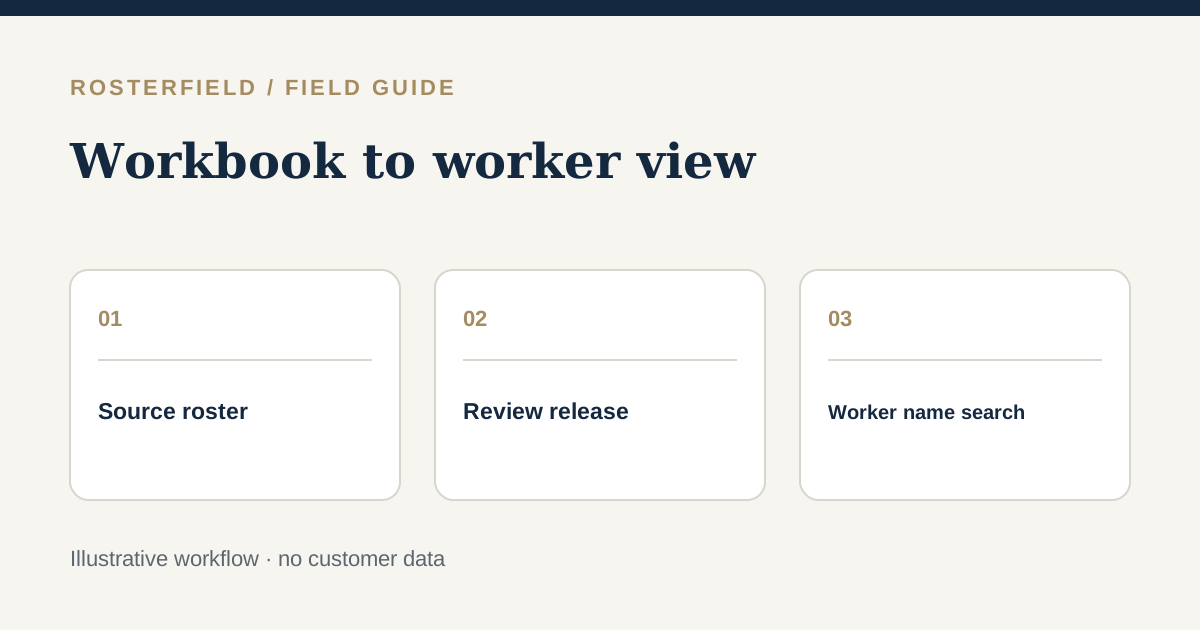
“Can we send the crew a link instead of another Excel attachment?” is a practical request when the roster has already been planned. The answer depends on which version is fit to share. A planning workbook can contain draft weeks, private notes and formulas; a worker link should point to the reviewed, published project roster, not directly to that working file.
RosterField’s signed-in app accepts CSV or XLSX, presents a review and allows an administrator to publish the roster for a project. People with that project’s worker link or QR code can then search by name without individual accounts. This is a convenient publication model, not an access control that guarantees only the named person can see the result. Plan the journey from workbook to link with that distinction in mind.
Start with a shareable source, not a URL
Suppose the fictional Yarra Quay project has a workbook used by the night works team. Its “Working” sheet includes tentative assignments and a manager’s telephone numbers; its “Release” sheet contains the agreed crew and dates. Confirm which sheet and period the project owner approved. Check that names, employment numbers and date headings correspond to the intended people, and remove unnecessary personal information from the publication source.
Keep the original planning file in the team’s usual document system. Make a clean export when appropriate, but verify the actual exported file; copying a sheet can alter saved formula results or omit rows. An XLSX can hold multiple worksheets, while a CSV is a flat export. Neither format eliminates the need to check what the app reads. If your process requires a more restricted worker view than a shareable project link, pause and choose another channel for the sensitive fields.
Walk one example through all three views
Take fictional employee Nia Bakshi, whose planned day shift is 7 October at Dock East. Carry that one example through the stages:
- In the source: identify Nia’s record, employment number, approved date and shift; confirm the work location is not a note from another project.
- In the import review: inspect the selected sheet or columns, date range and Nia’s previewed assignment. Check a night shift and another employer too, rather than judging the whole roster from one row.
- In the publication decision: open flagged actions and resolve identity, date and status decisions with the source owner. Matrix records may have upload-local source-position identifiers; shift lists need employee identifiers. Unfamiliar labels keep cleaned source text unless replaced, so inspect them for private notes. Refresh after changes.
- In the worker view: after publication, use the actual project link to search for Nia by name and verify the result and date are understandable. Test a similar-name case if the workforce includes one.
The employment number helps identify the row during import; it is not the worker-facing search method. A preview of ten correct records cannot establish that a hundred others were mapped correctly. Include samples from the start and end of the period, different employers and both day and night shifts.
Choose how the link will travel
Decide whether a supervisor will send the URL in an approved group message, provide it during induction or display a QR code in a controlled area. A QR code is simply another way to reach the same project page. It can be photographed or forwarded, and a screenshot of a roster may outlive a later correction. Avoid publishing medical, leave-reason, contact or other sensitive planning notes on the assumption that only the intended worker will look.
Explain what “current” means: the link should be the reference for the latest published project version; changing the workbook does not change a release by itself. Give workers a way to report a mismatch to a human coordinator. For urgent changes, use your direct notification process in addition to replacing the publication; the link does not confirm that anyone has seen an update.
Test the handoff before broad distribution
Ask a supervisor unfamiliar with the spreadsheet to use the worker page on a phone. Can they reach the right project and find a name? Can a worker understand the date and shift without reading an internal legend? Is a previous attachment still circulating as “current”? Fix ambiguities in the source and re-review before announcing the link widely.
The public demo runs the actual CSV/XLSX import and review parser on a fictional roster or temporary non-sensitive test file, but it cannot publish or create a worker link. Live publication happens only in a signed-in project. For a deeper discussion of exposure and link sharing, read worker-link privacy, and for replacing an older release see version control.
Questions people ask
Does sending the link also send a copy of the Excel workbook?
No. The worker link is a route to the published project roster, not a download invitation to the planning workbook. Still check the fields carried into the published view: information that is inappropriate for anyone with the project link should not be put into a shareable release. Keep internal planning notes in the source system.
Will editing the workbook change what a worker sees at the same link?
Not by itself. The administrator needs to import the revised CSV/XLSX, review the resulting roster and publish a replacement project version. A worker may also have kept an older screenshot, so tell people about material corrections through your direct communication procedure instead of assuming the link alone has reached them.