
Review & quality / Field notes
A roster confidence budget before you publish
Score the evidence behind a proposed release, stop for critical gaps and record what still needs a human decision.
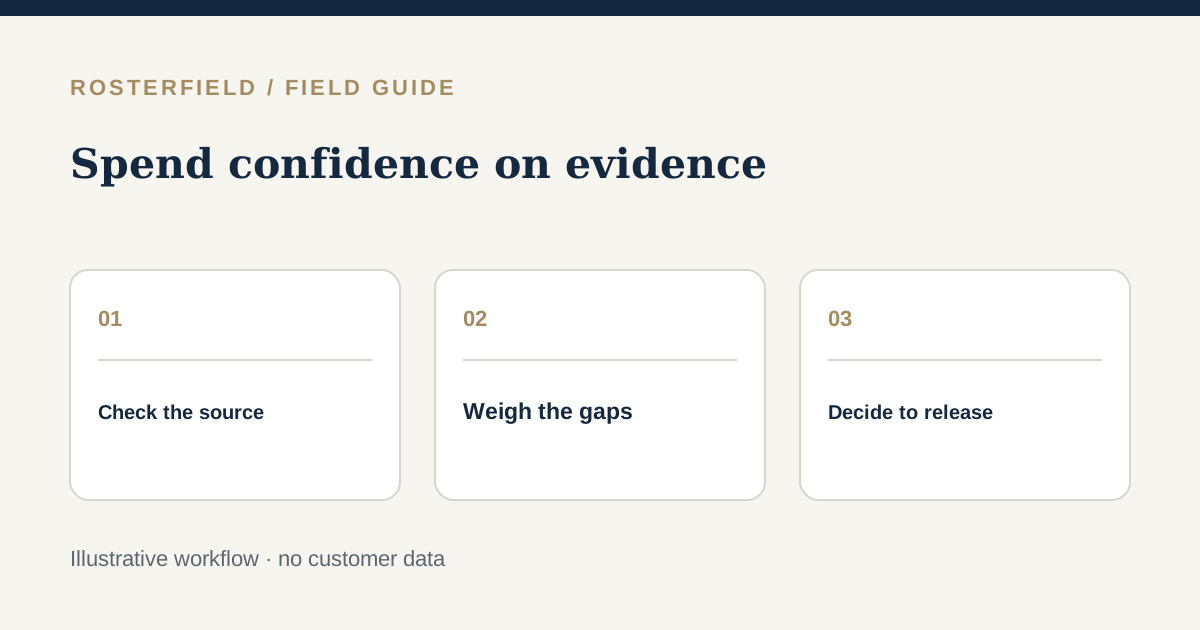
The spreadsheet opens. The upload completes. The preview looks plausible. Is the roster ready to become the version workers use? “It imported” answers a technical question, not a release question. A roster confidence budget is a way for a project team to make its evidence visible before deciding to publish.
The rubric below is illustrative only: it is a paper exercise for people, not a RosterField feature, calculated app score or guarantee of roster accuracy. Change the weights for your site. Never use a good total to excuse a known wrong shift, missing person or unapproved change.
Start with release-stopping questions
Before adding points, ask whether you have the right project and roster period, an authorised source workbook, and a named person who can approve this release. Stop if any of those is unknown. Stop too if the reviewed preview omits a worker expected on site, assigns a known wrong shift, exposes information that should not appear in a worker-facing view or leaves an unresolved import blocker. Fix the source or review decision, then check again.
For urgent changes, also ask how affected people will hear about the change. Publishing a page does not notify a worker. A site’s contact procedure remains necessary even if the file itself is correct.
An example 100-point worksheet
Give points only for evidence you can name: a checked person, a reconciled date, an owner’s sign-off. Partial credit means work remains. The numbers are deliberately a conversation starter, not a threshold built into the product.
| Evidence to check | Example points | A practical way to earn them |
|---|---|---|
| Source and authority | 20 | Confirm the project, period, workbook owner and approval route. |
| People and identifiers | 25 | Reconcile expected workers, missing employment numbers and duplicate groups against the source list. |
| Dates and shift meaning | 25 | Spot-check first, middle and last dates; explain unusual codes and blanks. |
| Changes since last release | 15 | Identify additions, removals and changed shifts; get an owner to check material differences. |
| Worker access and communication | 15 | Check what is displayed, how the project link is shared and who needs a direct call. |
For this example only, 90–100 suggests “consider release after final approval”, 70–89 suggests “pause and close named gaps”, and below 70 suggests “rework the source or review”. These bands are not safety standards. A team may require every line to be fully evidenced. Any release-stopping question overrides the total.
Try it on a fictional Monday roster
The West Yard workbook has the right date range and an identified approver: 20/20. The expected headcount is 42, but one row has no employment number and a duplicate group still needs a choice: 15/25. Three sample dates agree with the planning sheet, while a blank night-shift cell has not been explained: 17/25. A supervisor has checked most changes but not a late swap: 10/15. The worker view contains only appropriate roster information, but the contact owner has not identified who must be told about that swap: 10/15.
That makes 72/100 on this example worksheet. The team should not publish it. The missing identifier could exclude a worker, the duplicate decision is unresolved and the night shift is uncertain. Even if another site weighted the categories differently and obtained 92, those known gaps still require investigation.
Write the gaps as actions, not general unease: “Mira to confirm the duplicate source row by 14:00”; “night supervisor to explain Tuesday’s blank”; “release owner to confirm who calls the swapped workers”. Score the revised preview, not the earlier one, after corrections.
Keep a small decision record
Record the source file name and period, the project, who reviewed the preview, the checks performed, open questions, the approver and the release time. This can be a note in your existing team process; it need not be a new spreadsheet. If the roster changes later, repeat the review rather than carrying a previous score forward.
RosterField complements the scheduling plan already kept in Excel: bring the existing CSV or XLSX into the project, review the import and publish the checked version. The score is your own decision aid outside that workflow. Workers use a project link or QR code and search by name, without individual worker logins. Since a link can be forwarded, include access and privacy in the budget rather than treating publication as purely a data-quality check.
If the worksheet exposes identity gaps, use the Excel roster upload checklist to work back through the source. If the worry is whether a replacement really becomes the current reference, read roster version control. Neither guide substitutes for the release owner’s judgement.
Questions people ask
Is a score of 90 permission to publish?
No. The thresholds are examples for discussion, not app controls or approval rules. A single missing worker, disputed shift or unapproved change can stop release at any score. Name the gap, assign an owner, correct it and inspect the revised preview before the approver decides.
How should we score a roster with no previous version?
Do not award points for a comparison you cannot make. Use the approved source plan and a list of expected people and dates as your baseline. Record that this is the first release, then verify sample assignments and the worker view; adapt the example weighting openly rather than inventing evidence of a prior publication.