
Review & quality / Field notes
Roster preview row counts are not a full completeness check
The preview table is a bounded inspection sample, not the entire roster. Reconcile counts, exclusions and the selected date window against the approved source.
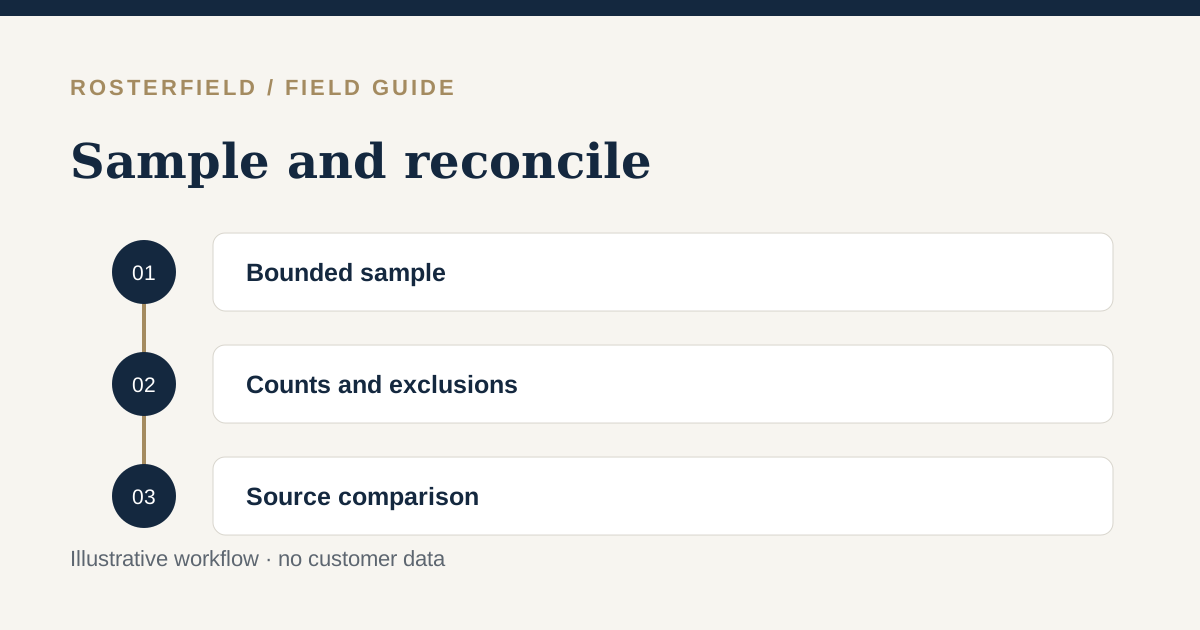
A fictional services team uploads a workbook covering several crews and weeks. The preview table has ten visible rows. One supervisor concludes that only ten records were imported; another reaches the last sample page and assumes everything in the workbook has been checked. Both conclusions confuse displayed sample rows with import completeness.
RosterField’s normalized sample contains the first 100 rows and is paginated ten rows at a time. Pagination makes that bounded sample easier to inspect. It does not turn the table into a browser for the entire roster.
Separate three questions
The first question is whether the displayed rows look correct: do worker names, dates and statuses match the source? The sample is useful for that.
The second is whether the review reports the expected amount of imported information. Counts, exclusions and blockers help answer it. Check what each count actually measures; a worker count and a roster-entry count are not interchangeable.
The third is whether the import covers the approved operational plan. That requires comparison with the source sheet and intended date window. No sample can tell you that the owner chose the right worksheet or supplied the right file.
These questions complement one another. A correct sample with surprising totals deserves investigation. Expected totals with incorrect sample dates also deserve investigation.
Establish a source baseline first
Before uploading, note the worksheet, intended date range and workers expected for that release. Identify whether the file is a worker-by-date matrix, a transposed matrix or a shift list.
Do not multiply every visible worker by every visible date and assume that result must equal imported entries. Blank cells, non-roster notes, repeated headings and deliberate exclusions can affect the relationship. Instead, establish what your specific source is intended to contain.
For a shift list, check the employee identifiers supplied by the owner. For a matrix, check how worker rows or columns were identified. The transposed field-mapping guide explains why physical spreadsheet identities matter.
Investigate a discrepancy in order
Use a repeatable sequence rather than paging randomly:
- Confirm that the selected worksheet is the approved roster.
- Check the first and last selected dates, including their year.
- Read reported exclusions, duplicate decisions and unresolved status issues.
- Compare representative normalized rows with the original cells.
- Refresh the preview after changing any review decision.
- Reconcile the new counts before considering publication.
If a known person is not in the sample, do not immediately recreate them or remove another worker. Their entries may simply fall outside the first 100 normalized rows. Check the source and review information before changing data.
Conversely, seeing that person once does not prove that all their dates are present. Check the selected window and any issue affecting their source locations.
Treat edits as a new result
An old preview describes the choices used when it was generated. Changing a mapping, date range or source-cell correction makes that result stale. All edits require a refreshed preview.
This matters during reconciliation: do not compare the source with yesterday’s table while reading today’s controls. Finish a set of decisions, refresh, then compare the resulting counts and sample together.
Keep simple notes about the approved source baseline outside the worker-facing roster. The upload checklist provides a broader preparation sequence, while roster confidence budget discusses focusing review effort where uncertainty is greatest.
Know what the sample cannot certify
A normalized table is not proof that the roster is operationally correct, compliant or received by workers. It is also not evidence that every source formula was recalculated: XLSX imports use saved values.
Do not describe reviewing ten pages as checking every worker in a large file. Say precisely what was checked: the bounded sample, the counts, identified issues and the approved date window. Resolve unexplained differences before release.
You can practise this distinction with a synthetic workbook containing more than 100 normalized rows in the demo, subject to its upload limits. The demo cannot publish; use it to learn how the sample behaves, not to expose a real workforce roster.