
Publishing & access / Field notes
Sharing worker rosters: project links, privacy and changes
A QR code makes a roster easy to find, not automatically private. Publish only appropriate fields and tell people when a new version matters.
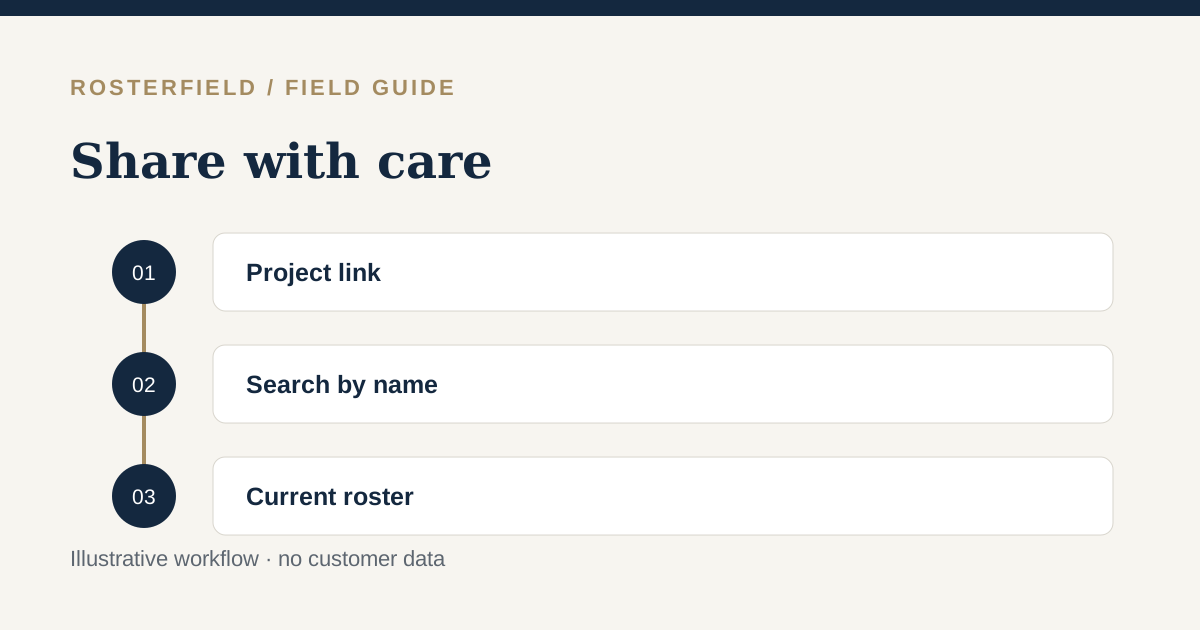
A project roster link can make it easier for a dispersed crew to find the current plan. It also changes who may be able to see the information. Before publishing a roster, decide what data belongs in a worker-facing view, how the link will be distributed and what happens when the shift plan changes.
Understand this access model
RosterField’s administrator app uses account and project permissions. The worker-facing roster page is different. A person with the project’s company/project link or QR code can reach a search page and search by name without an individual worker login. A project link is not a private authentication credential for one worker. Treat the page and information it displays as shareable with anyone who receives the link.
If your organisation requires individual authenticated access for a particular detail, do not publish that detail in this worker view. This is especially important with sensitive notes, contact details, leave reasons or other information copied into an Excel workbook for internal administration. The safest export is usually the smallest set of fields needed for the worker to understand their published roster.
The Office of the Australian Information Commissioner explains that personal information is information about an identified or reasonably identifiable individual. A name connected to a project and work dates deserves deliberate handling. Australian privacy, workplace and award obligations vary; this guide is operational advice, not legal advice.
Distribute the link deliberately
Use a project-approved channel for the QR code or URL. A printed code on a public wall can be photographed; a message can be forwarded. If you use printed cards, decide where they will be displayed and who is responsible for replacing them when a project closes. Do not assume that a long-looking URL prevents an intended recipient from sharing it.
Explain how the name search works to workers and supervisors. Where two people have the same name, check the appropriate result carefully; their employment numbers remain important during import, but the public search is by name. Test the experience with fictional data before using real records.
Publish a change as a new version
Updating the planning workbook alone does not update an already published roster. The administrator must review and publish a replacement. The new version becomes current for that project, while older publications can remain in administrator history. A worker who has a previously saved offline page or screenshot may still see old information; another person might not know a change was made.
For significant time or location changes, follow your organisation’s existing direct communication process alongside the new publication. Do not describe an app update as proof that a worker received, understood or accepted a shift change. Check any award, agreement and consultation duties with qualified advisers.
A short privacy review before release
- Is the person authorised to upload these worker records and is the source workbook current?
- Do the fields shown to workers contain anything unnecessary or sensitive?
- Who will receive the project link, and can it be forwarded or photographed?
- Have people with similar names been checked in the worker view?
- Is there a separate plan to tell workers about urgent or material changes?
Read the Privacy Policy for the service’s fuller account of roster files, worker access and retention. The version-control guide covers the practical steps for keeping the published reference current.
Questions people ask
Does searching a name verify that the visitor is that worker?
No. Anyone with the shareable project link can search a matching name. Assess which details are suitable for that access model and use a different process for information requiring individual authentication.
Will republishing erase a saved or offline roster page?
Not necessarily. A browser cache or screenshot can preserve an older view. Publish the corrected current version and tell affected workers about material changes through your usual communication channel.