
Import basics / Field notes
Select a historical roster date window without losing edge days
Historical dates can be selected when they exist in the file. Count both endpoints, stay within 140 days, and distinguish reviewing an old period from publishing it as current.
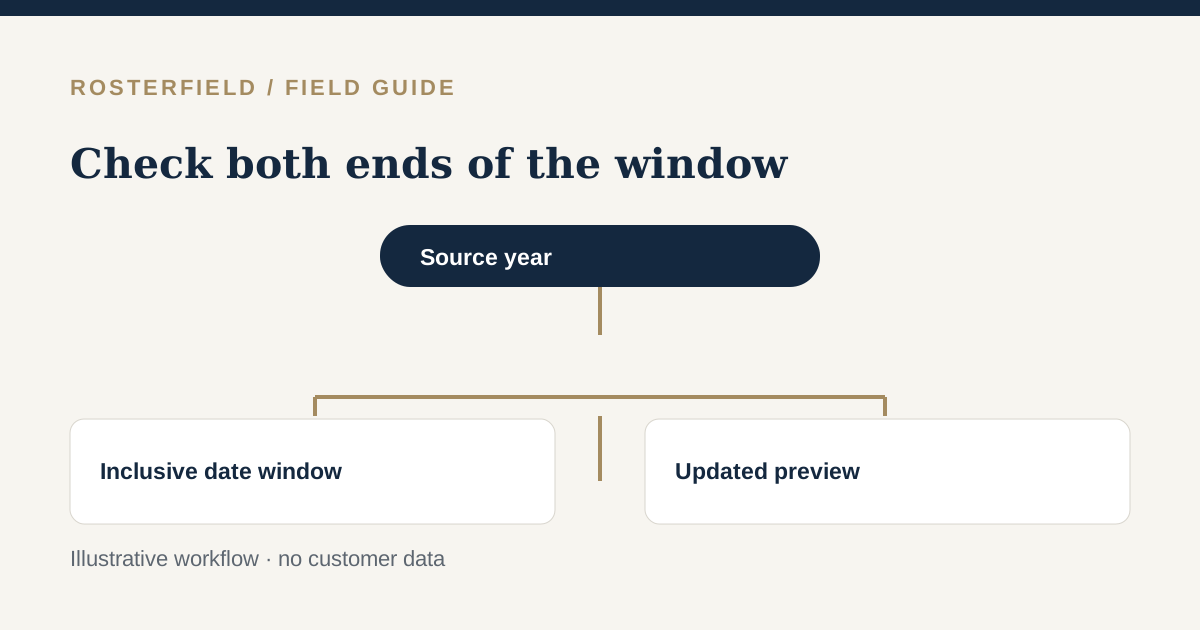
A fictional project administrator receives an archived workbook while investigating an earlier roster handoff. The dates are from a previous year, not the current season. The right question is not “Can I move these dates into this year?” It is “Which dates in this file should this review actually include?”
RosterField supports selecting a historical date window in any year represented within the file. The selected window can contain at most 140 inclusive days. Both the first and last day count toward that limit.
Identify the period before changing controls
Read the worksheet title, date headers and any written period description. Confirm the year with the source owner, particularly if headers show only a day and month.
An old file may contain several periods, repeated monthly blocks or a worksheet copied forward without updating its title. A filename alone is not enough. Compare several dates in the normalized preview with their source locations.
Ambiguous day/month formatting can create a convincing but wrong historical window. The day-first dates guide describes how to check that interpretation without assuming a numeric date is self-explanatory.
Count the window inclusively
The length is the number of calendar days from the selected start through the selected end, including both. A start and end on the same date represent one day, not zero.
For example, 1 January through 20 May 2026 is 140 inclusive days: January contributes 31, February 28, March 31, April 30 and May 20. Extending that example through 21 May would exceed the selected-window limit.
Do not count spreadsheet columns as a substitute for calendar days. Some workbooks omit weekends or show only selected operational dates. The date endpoints still define an inclusive calendar window.
If the period you need is longer, choose a smaller review window and establish a deliberate release plan. Do not assume several publications will automatically combine into one current worker roster.
Separate selection limits from source limits
The 140-day rule applies to the selected date window. It is not a promise that the importer accepts a source workbook covering any arbitrary length.
Source limits are configurable. Avoid relying on a supposed universal “600 days of source data” allowance. If an archive is rejected because of its size or coverage, use the actual review message and the applicable limits rather than repeatedly widening or shifting the selected dates.
A smaller, purpose-built source extract may be appropriate when authorised by the roster owner. Keep enough context to preserve correct worker identities and date interpretation; a hastily cropped sheet can introduce new mapping errors.
Refresh and check the boundaries
After editing the selected window, refresh the preview. All edits require this step, so the previous counts and displayed rows are not evidence about the new period.
Check the beginning and end carefully. An off-by-one error can exclude an arrival day, include an unintended travel day or omit the final rostered duty. Reconcile the reported counts and issues with the selected period.
Remember that the normalized table is only a first-100-row sample, paginated ten at a time. Use the source and review information for boundary checks rather than assuming every edge date will appear in the sample. See preview samples and completeness.
Decide whether publication is appropriate
Reviewing a historical source is not the same as reconstructing the application’s earlier publication history. An imported archive reflects the uploaded file and current review decisions; it does not establish what workers saw at the time.
Publishing requires a signed-in project and makes the reviewed release a worker-facing reference. Before publishing an old period, consider whether doing so would confuse the project’s current roster communication. The version-control guide explains why source workbooks and published versions should be distinguished.
For practice, create a fictional archive with clearly written years and a short date span in the demo. The demo offers review without publication, so it is useful for checking inclusive boundaries without disturbing a live project.