
Product fit / Field notes
RosterShare share links and PDF or a current project roster version?
Sharing a roster and managing which release is current are separate decisions. Test what happens after the plan changes and an old copy circulates.
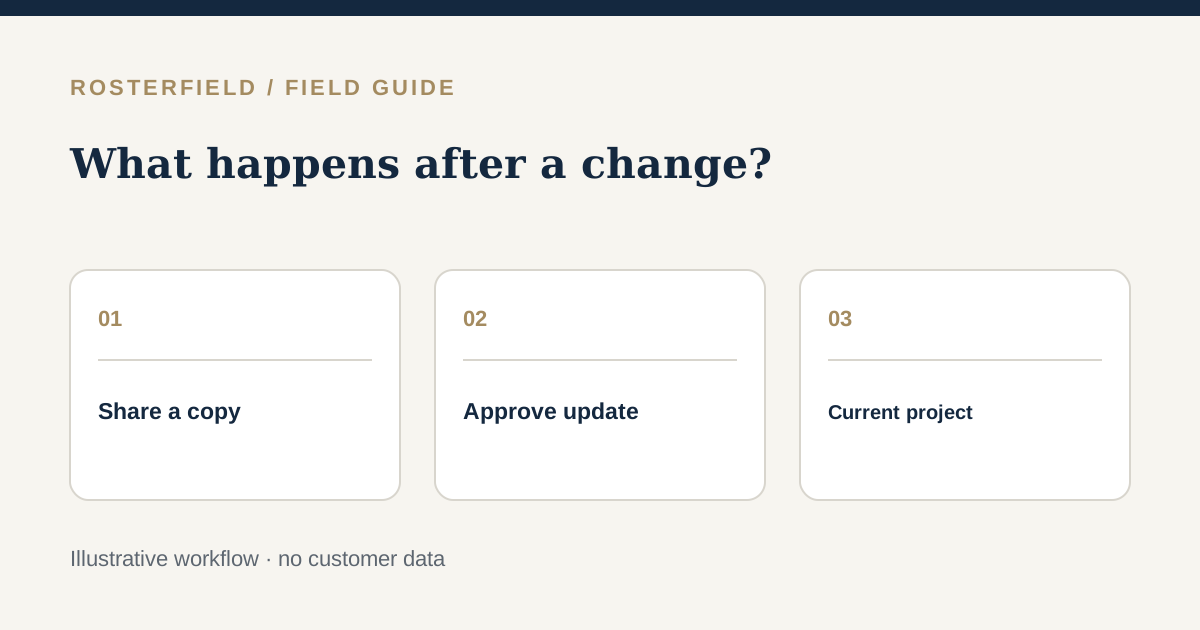
The Microsoft Store listing for Roster Generator by RosterShare describes ways to share a roster using links, PDF and email. It is a RosterShare product listed in the Microsoft Store, not a Microsoft roster service. Those distribution formats can be useful when a team has entered shifts and needs to get the resulting roster to people. But a buyer with an approved Excel project plan should also ask: what happens when next Tuesday’s assignment changes?
RosterField handles a different release pattern. A project administrator imports an already prepared CSV/XLSX workbook, reviews the people, dates and statuses, and publishes a current project version. The project worker link or QR code leads to a name-search view of that publication; an individual worker login is not required. A replacement publication becomes the current project roster, while earlier releases remain available in administrator history unless deleted. This is not a comparison of every sharing feature either product offers.
Copies do not vanish after a correction
Imagine a fictional port-maintenance crew. On Thursday, the approved roster has Aria on site Monday, and someone emails a PDF to the crew. On Friday the supervisor approves a Monday travel day instead. A PDF saved on a phone or an email already forwarded still represents the old plan. Whether a team uses a generated roster or an Excel workbook, it needs an agreed process for correcting the source and telling people which information to trust.
Do not assume that a link described on a product listing behaves like a RosterField project link or vice versa. Test the current vendor experience: does a link show the intended release in the scenario you care about, what does a worker see, and what happens to a prior attachment? The words “share link” do not specify a product’s full version or access model.
For the Excel-led route, the planner updates the approved workbook, the publisher checks the new import against the changed dates and then releases it. The worker’s project link leads to the current version after publication. It does not reach into a saved PDF, delete an inbox attachment or prove that Aria noticed the change. Use a direct site communication process when the revision matters. The version-control guide covers how to separate the current reference from old copies.
A four-step change drill
- Start with a known release. Record the project, date range and approval owner, and check the worker view for a fictional person.
- Amend the plan once. Choose one realistic change, such as a travel day becoming a site day, and obtain the required sign-off.
- Release deliberately. For a RosterField project, import the revised CSV/XLSX, inspect the affected worker and dates, resolve review warnings and publish a replacement.
- Test two viewpoints. Open the project link afresh and compare it with the old PDF or screenshot. Decide how the team will explain the difference to workers.
The purpose is not to claim a PDF is a bad format. It is a useful portable snapshot when that is what the workflow calls for. The risk is labelling a snapshot “live” after an update. A project link to a current published roster is a different kind of reference, although a worker might still save a screenshot of it. The team must decide how both are described.
Check who can open what
RosterField’s worker link can be forwarded. Anyone with the project URL or QR code can reach the name search without an individual worker login. Prepare worker-facing data with that access model in mind. Do not add private notes or assume the link identifies the reader. The sharing and privacy guide explains the practical checks. For RosterShare, ask the vendor to demonstrate the current access behaviour of its listed sharing options; this guide does not infer permissions from a store summary.
If your team primarily creates shifts in a generator and uses its listed sharing routes, trial the change drill there. If you already have a signed-off spreadsheet and want a reviewed current project release, use the upload–review–publish overview to assess that route. The useful measure is not how many formats you can send; it is whether everyone knows where the approved plan is now, who changed it and how affected workers learn of the change.
Questions people ask
Does publishing a replacement roster change PDFs already emailed to staff?
No. A saved or forwarded PDF remains a copy of what was shared earlier. When the approved source changes, release the revised roster through your chosen workflow and tell affected staff which reference is current. For urgent changes, follow the site’s direct communication procedure rather than assuming everyone opens a new link.
Is a RosterField project link private to one named worker?
No. A person with the project link can reach the worker search and look up names without an individual login. Review what the published view exposes before sharing the URL or QR code. If individually authenticated access is required, assess a different access arrangement rather than treating the link as a personal credential.